

Treadmill runs
Run your plan workout on a treadmill: speeds instead of paces, no GPS, and your distance typed in at the end.
4 steps · 2 min · in the app
Choose Treadmill
On the session screen, tap Treadmill next to Outside. Runbriel remembers your choice for next time.
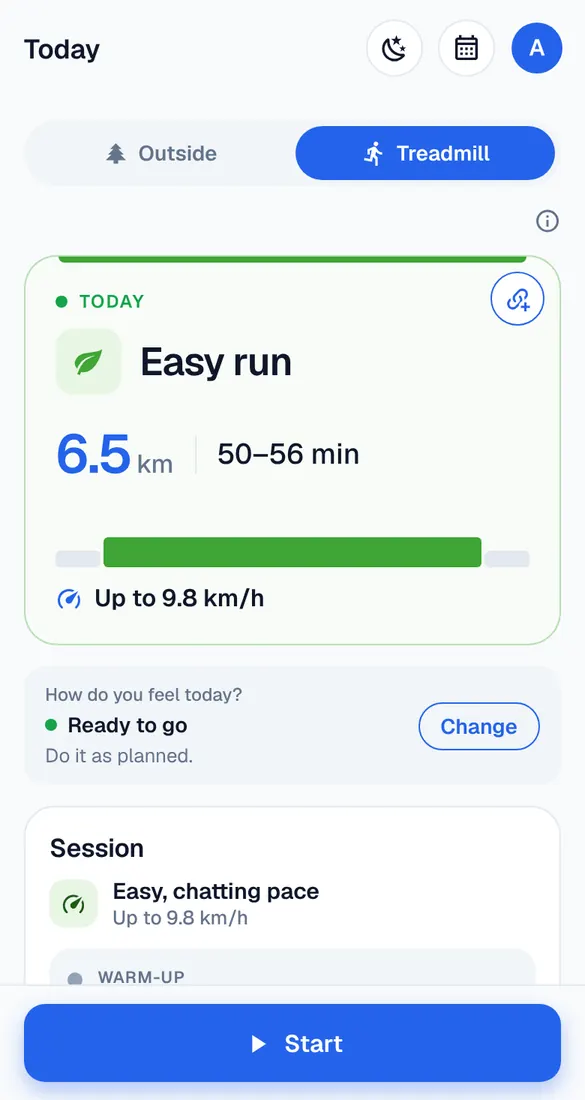
Speeds in km/h and mph
Each step tells you the speed to set on the treadmill. Steps by distance count by time on a treadmill.
No location needed
Treadmill runs don't ask for location. If location is allowed, the recording keeps going with the screen off; if not, the screen stays on during the run.
At the end
Type in the distance the treadmill shows. Your pace and the plan are worked out from it.
Good to know
- A 1% incline feels closer to running outside.