

Strava
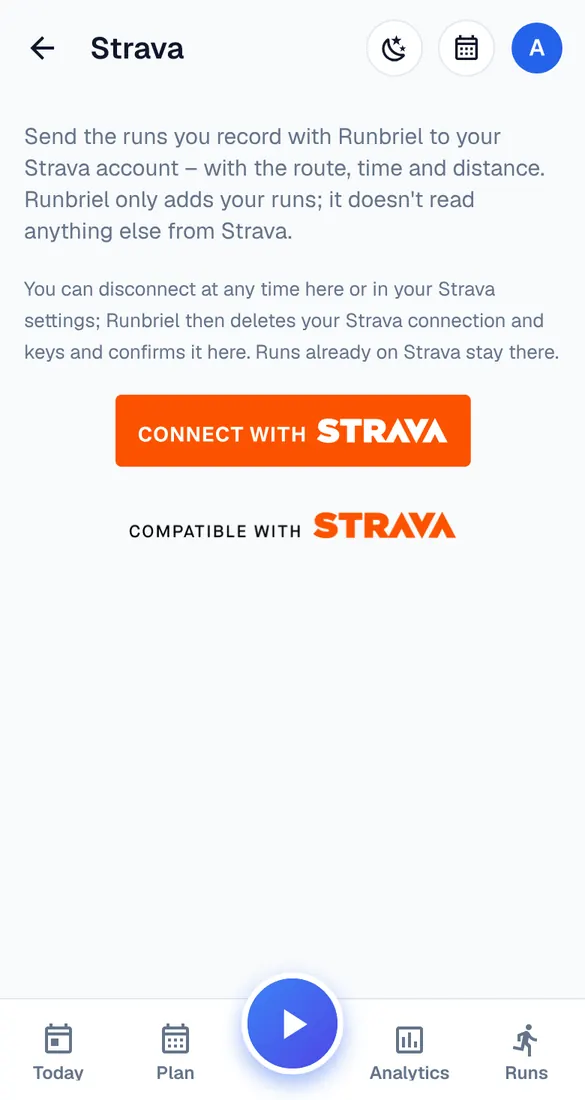
Send the runs you record with Runbriel to Strava automatically.
4 steps · 2 min · in the app
Connect
My account → Watches & connected apps → Strava → Connect with Strava. Log in to Strava and allow Runbriel to upload activities.
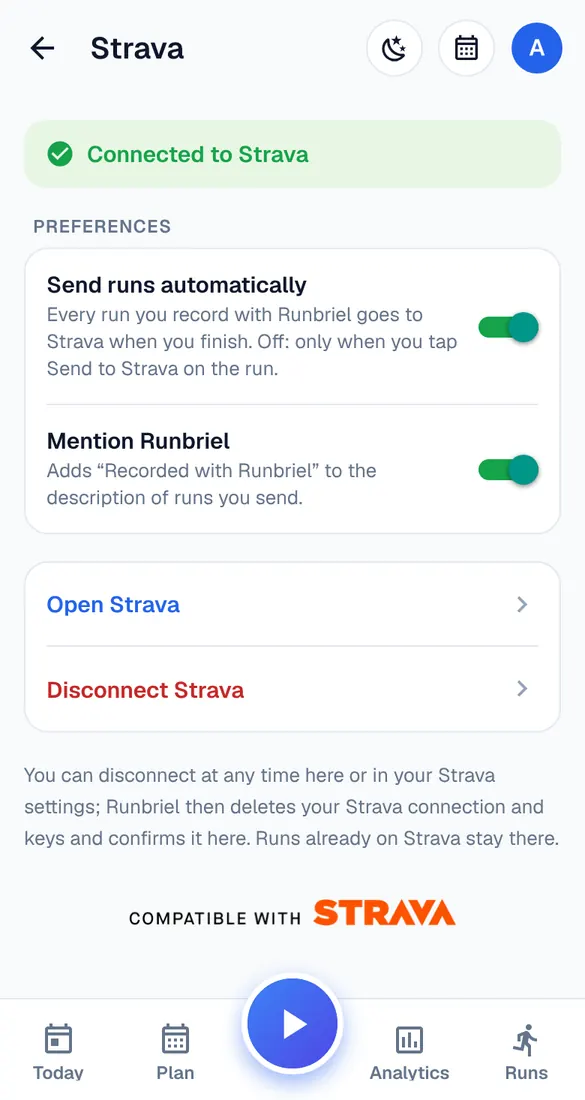
Your settings
Send runs automatically: every run you record with Runbriel goes to Strava when you finish. Off: only when you tap Send to Strava on the run. Mention Runbriel adds “Recorded with Runbriel” to the description.
What's sent
The route, time and distance of runs recorded with Runbriel on this phone. Runbriel only adds your runs; it doesn't read anything from Strava.
What isn't sent
Runs that came in from a watch are never passed on to Strava – your watch's app can upload those to Strava itself.