

Make Runbriel yours
Language, kilometres or miles, dark mode, reminders, and the voice while you run.
5 steps · 2 min · in the app
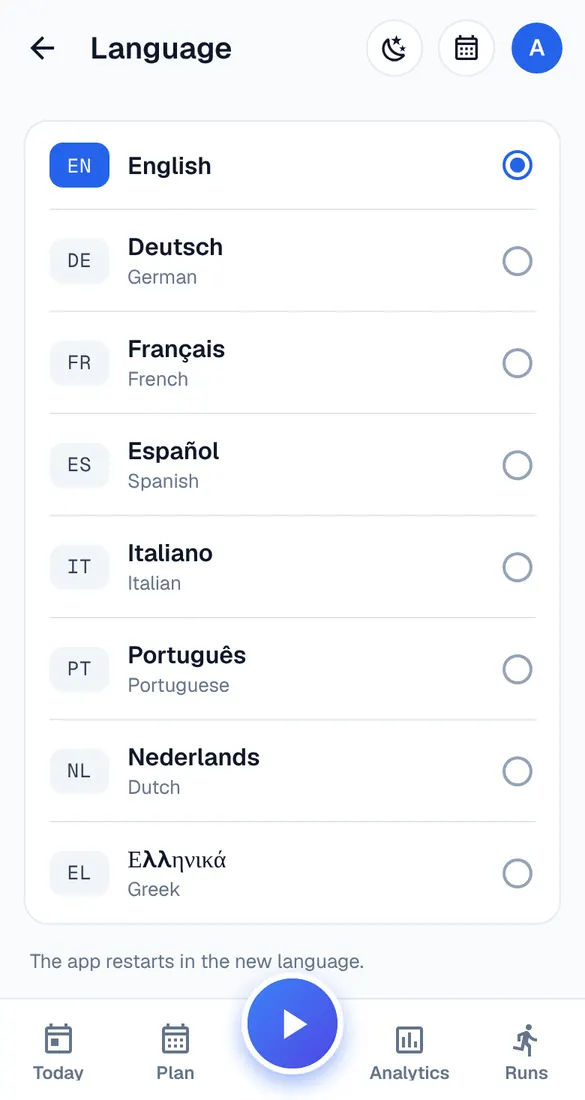
Language
My account → Language. The app restarts in the new language.
Units and pace
My account → Units & pace: kilometres or miles, pace or effort, °C or °F.
Appearance
My account → Appearance: same as the phone, light or dark.
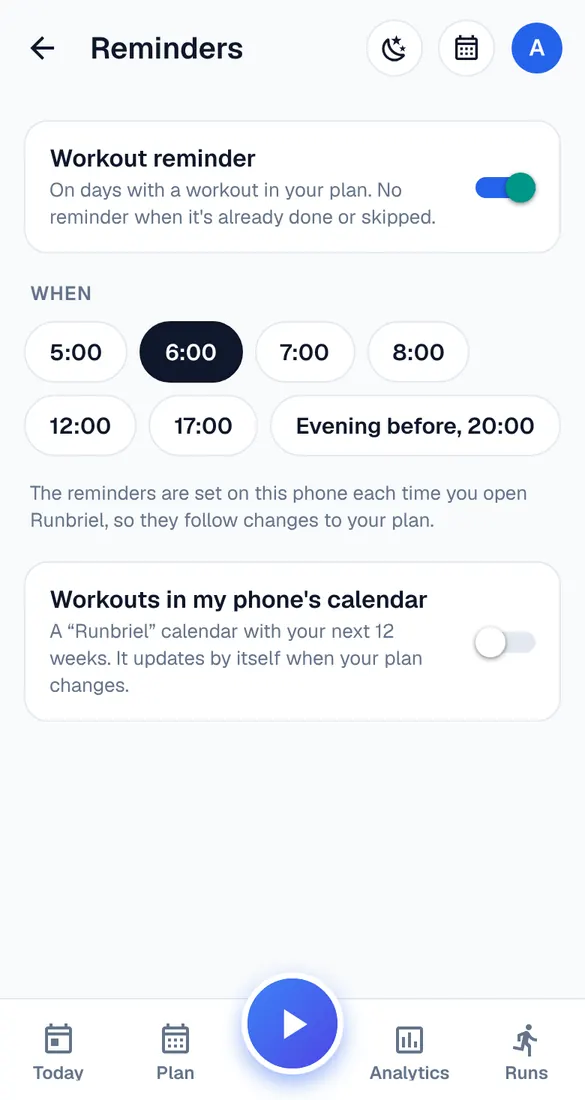
Reminders
My account → Reminders: a reminder on workout days at the time you pick, or the evening before. You can also add your workouts to your phone's calendar.
Voice and countdown
My account → Phone recording: which voice messages you hear while you run, and the countdown before the start.