How to read a workout
What every part of the session screen means: distance, time, pace, steps and the briefing.
4 steps · 2 min
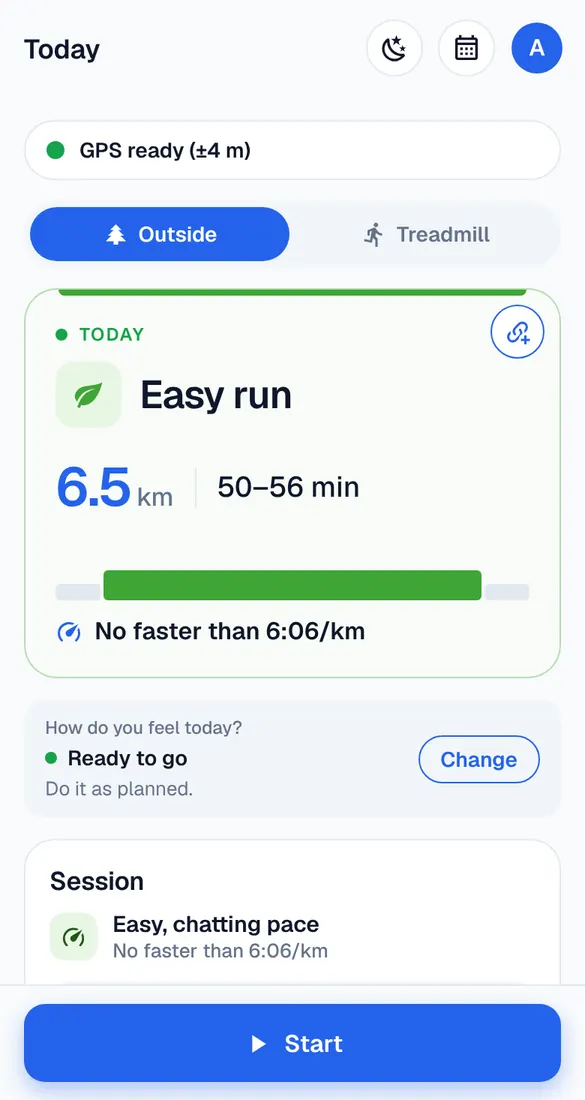
The top: what and how much
The name of the workout, its distance and about how long it takes. Below it, the pace to aim for (see “Your paces explained”).
The steps
Warm-up, main set, repeats and cool-down, in order. When you record with Runbriel, the voice tells you each step as it comes.
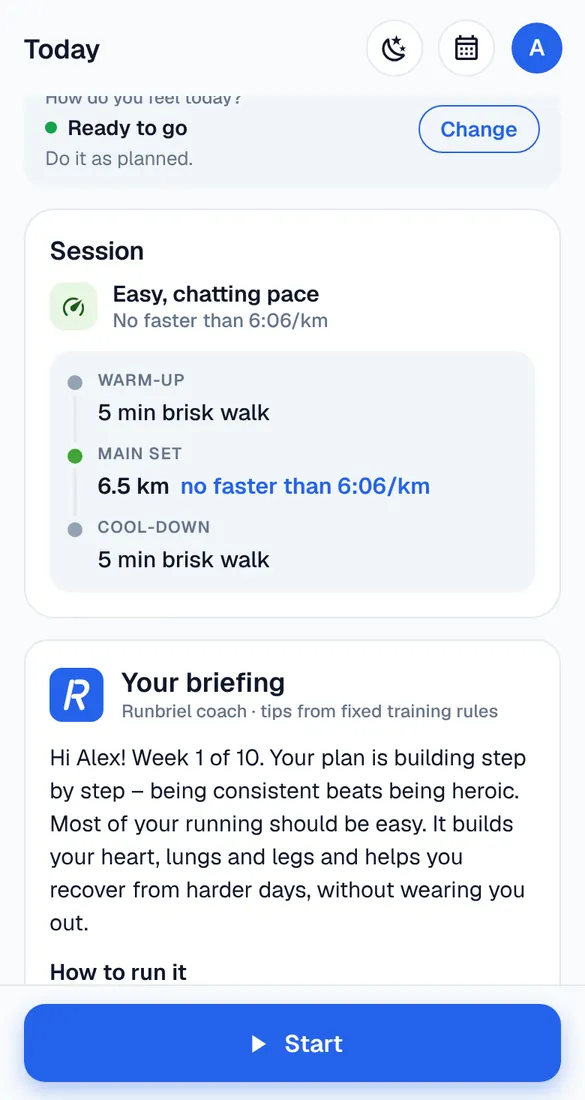
Why it helps and how to run it
Further down, the briefing explains what the workout does for you and how to run it: effort, breathing, what to watch out for. On workouts ahead it also shows the week, the weather and food and drink tips.
The colours
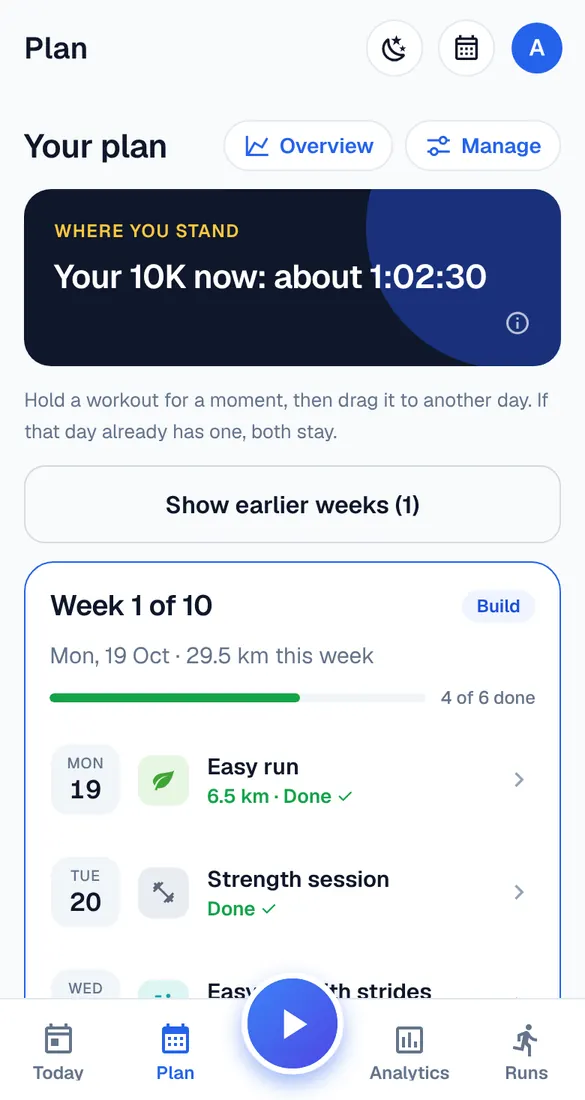
Every workout type has its colour – green for easy runs, purple for the long run, and other colours for strides, tempo, intervals and strength. You see the same colours in the Plan tab and the calendar.