

Races and race day
Add your races, get your target pace, use race week, and run with live pace prompts.
4 steps · 3 min · in the app
Add a race
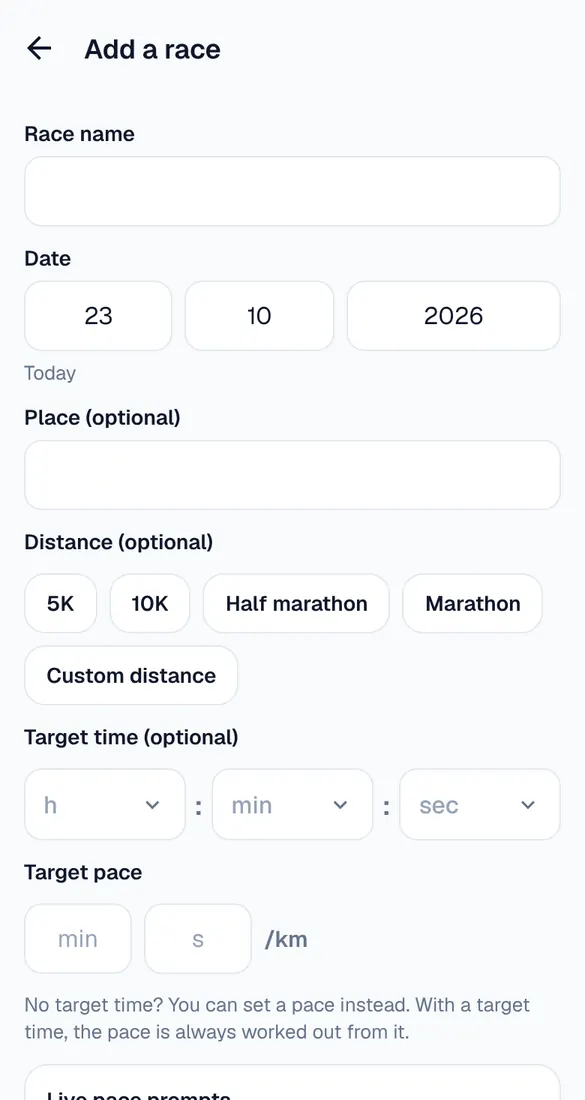
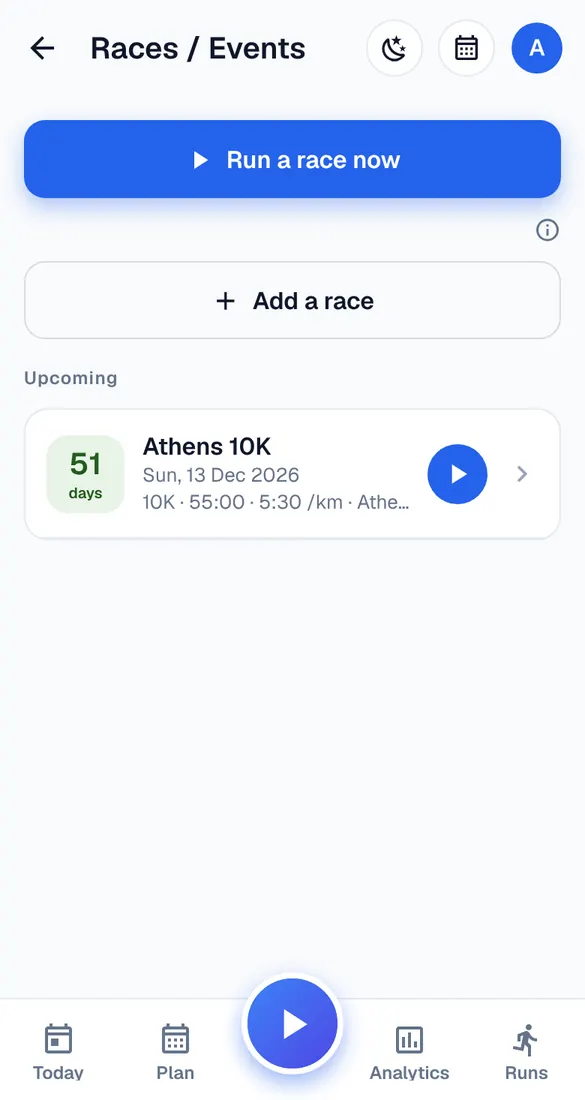
My account → Races / Events → Add a race: name, date and, if you like, place, distance and target time. Runbriel works out your target pace.
Race week
In the last week before a race in your plan, the plan gets lighter and the race-week checklist helps you prepare: sleep, food, kit and the start.
Race day
Open the race and tap Start race run. With live pace prompts on, the voice tells you when you're clearly faster or slower than your target – at most every 90 seconds, once the GPS has settled.
After the race
Your time is checked for new best times, and your plan only changes if you change it in Manage plan.