

Build your own plan
Write your own training, workout by workout – from a coach, a book or your head.
4 steps · 3 min
Start it
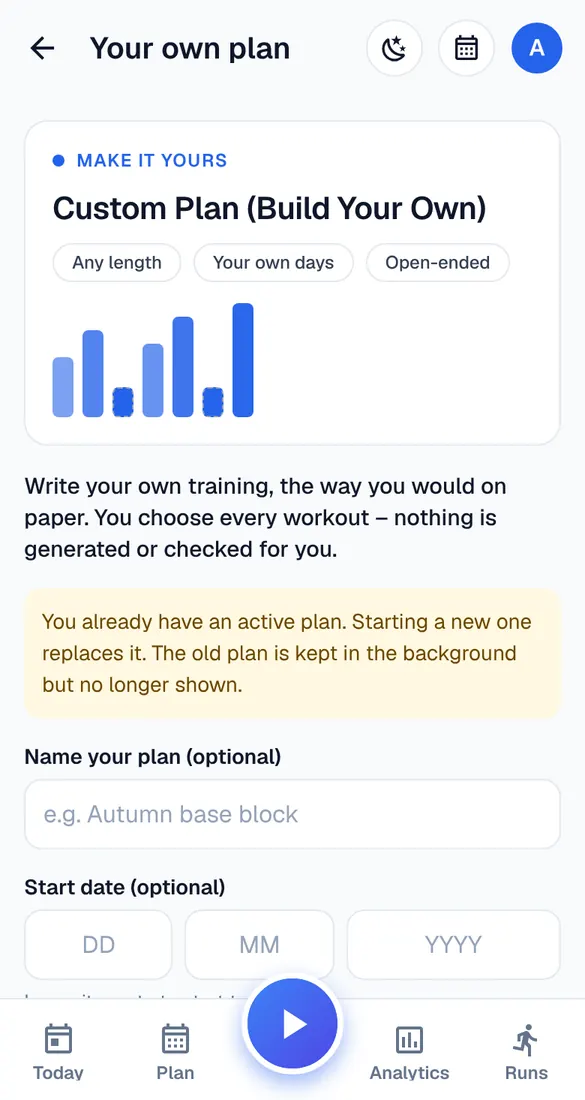
My account → Start a new plan → Make it yours. Give it a name if you like, a start date and how long it should last (or open-ended).
Add workouts
Tap Add on a day and choose a workout: easy run, long run, tempo, intervals, strides, hills, run/walk, race, strength or other. Set the distance or time and, if you want, the steps.
Change and move
Tap a workout to change or delete it; hold and drag to move it. Everything saves by itself (“✓ Saved”). Name & end date can be changed at the top.
You're in charge
Runbriel doesn't check your own plan with its safety rules. Build up slowly, and keep most runs easy.