End, delete or start a new plan
What happens to your runs when you finish a plan, end it early or start something new.
4 steps · 2 min
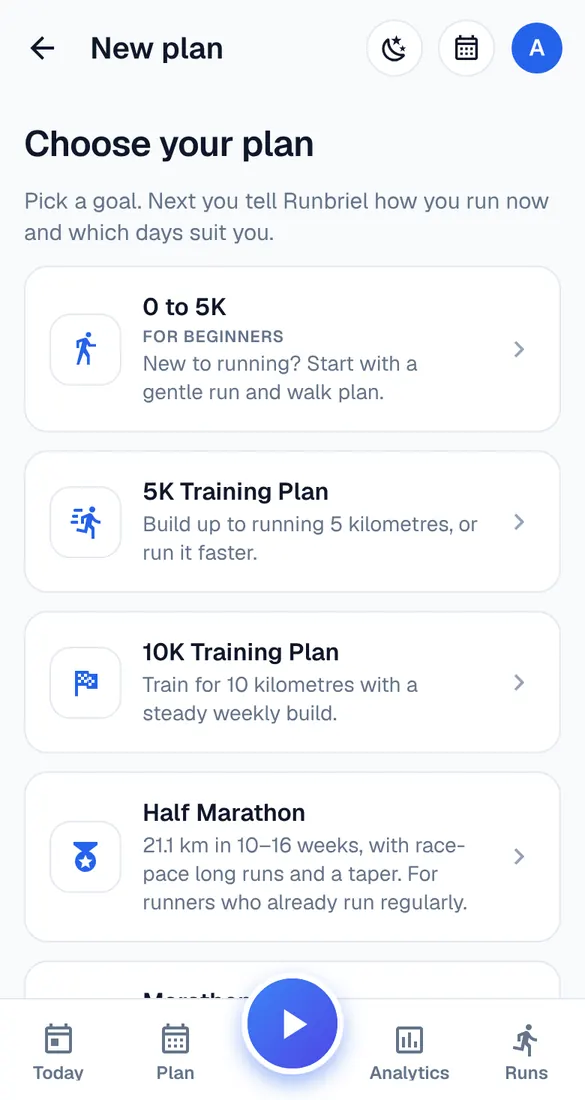
Start a new plan
My account → Start a new plan. Your current plan is ended and kept in Past plans.
End a plan
Manage plan → End plan. It's archived; everything you logged stays in your progress.
Delete a plan
Manage plan → Delete plan removes the plan and everything you logged in it, for good. Use it for plans you only tried.
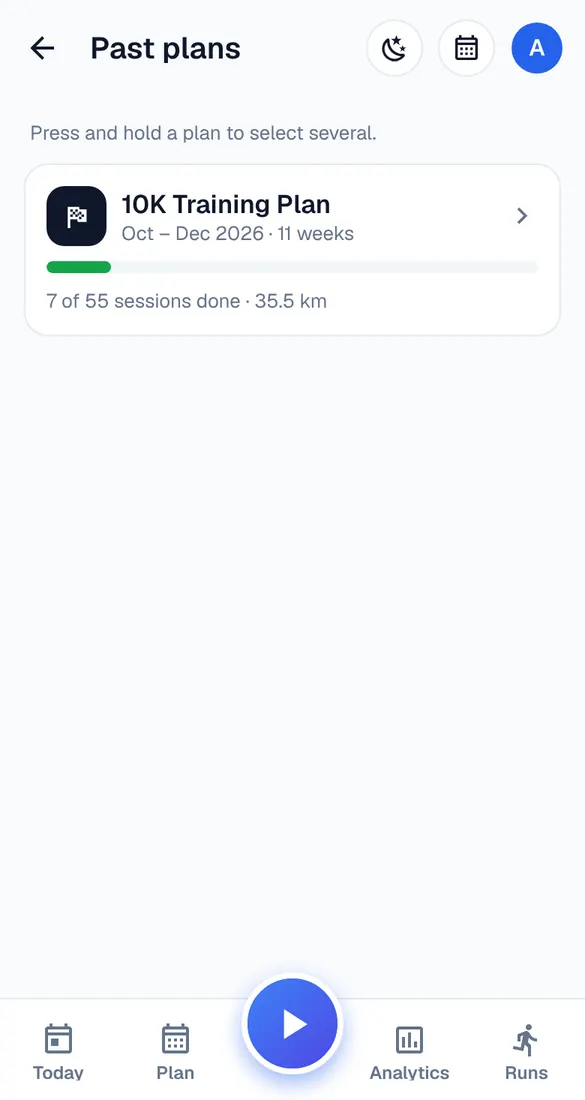
Past plans
My account → Past plans. Open one to look back, or press and hold to select and delete.