

Moving a workout
Life happens. Move a workout to another day in two taps.
4 steps · 2 min
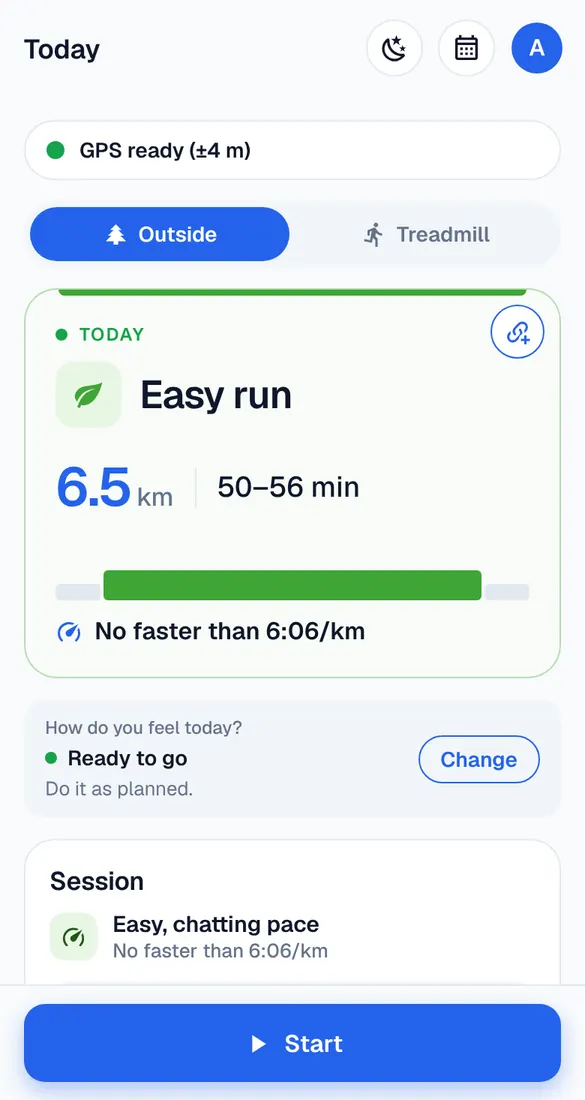
Tap Move
Open the workout and tap Move.
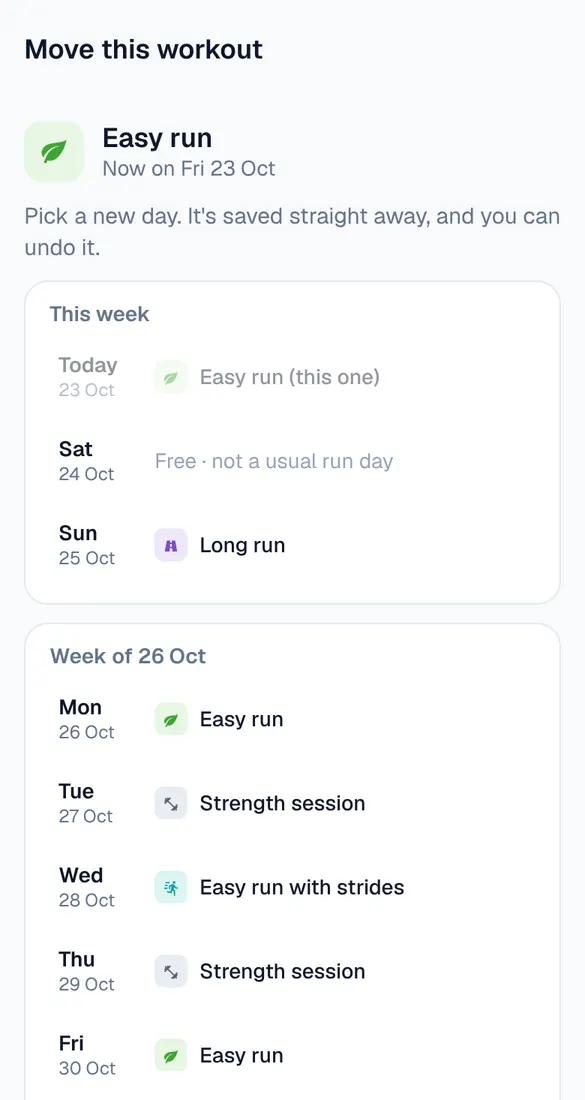
Pick a new day
You see this week and the next ones. Days with a workout show it; free days say so. Tap the day you want. It's saved straight away, and you can undo it.
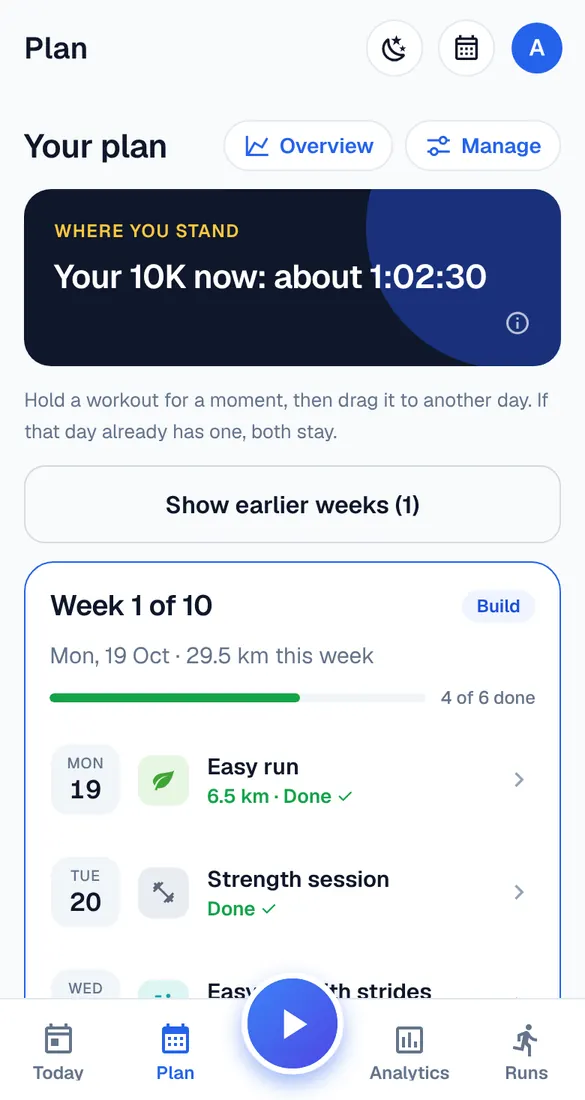
Or drag it
In the Plan tab, hold a workout for a moment, then drag it to another day.
Warnings
If the new day makes your week harder – for example two hard days in a row – Runbriel tells you. It's your call, and you can undo the move.
Good to know
- Workouts can't move into the past, past race day or into a break.