

Health Connect (other watches)
Most watch apps on Android can share workouts through Health Connect – Runbriel picks them up.
4 steps · 3 min · in the app
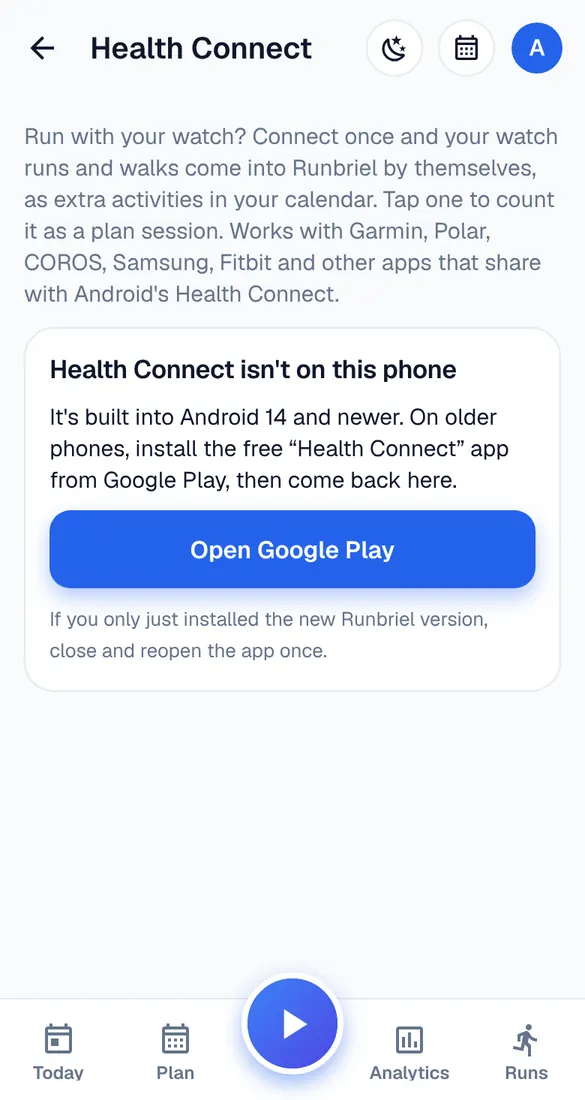
Open Health Connect in Runbriel
My account → Watches & connected apps → Health Connect. On older phones, install the free Health Connect app from Google Play first.
Allow reading
Tap Connect and allow exercise, distance, heart rate and steps – and background reading, so new runs come in without opening Runbriel.
Let your watch app share
In your watch's app, turn on sharing to Health Connect. Each app has this in its own settings, often under “Connected apps” or “Health Connect”.
Runs come in
New runs and walks from the last 7 days are added as extra activities. Open one and tap “Count it as a plan session” to tick off a workout.