

Free runs, walks and other activities
Record or log anything that isn't a plan workout – it goes on your calendar and into your progress, and your plan stays as it is.
3 steps · 2 min
Record something else
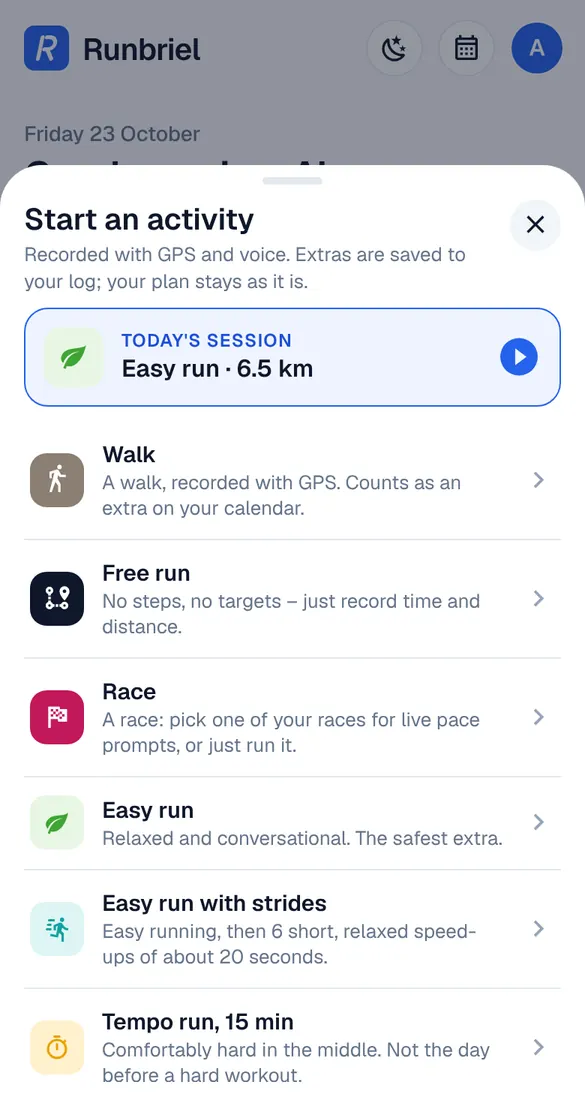
Tap the round start button in the middle of the menu. Pick today's session, or another workout: a free run, a walk, a treadmill run, a tempo or interval session and more. It's recorded with GPS and voice.
Log it by hand
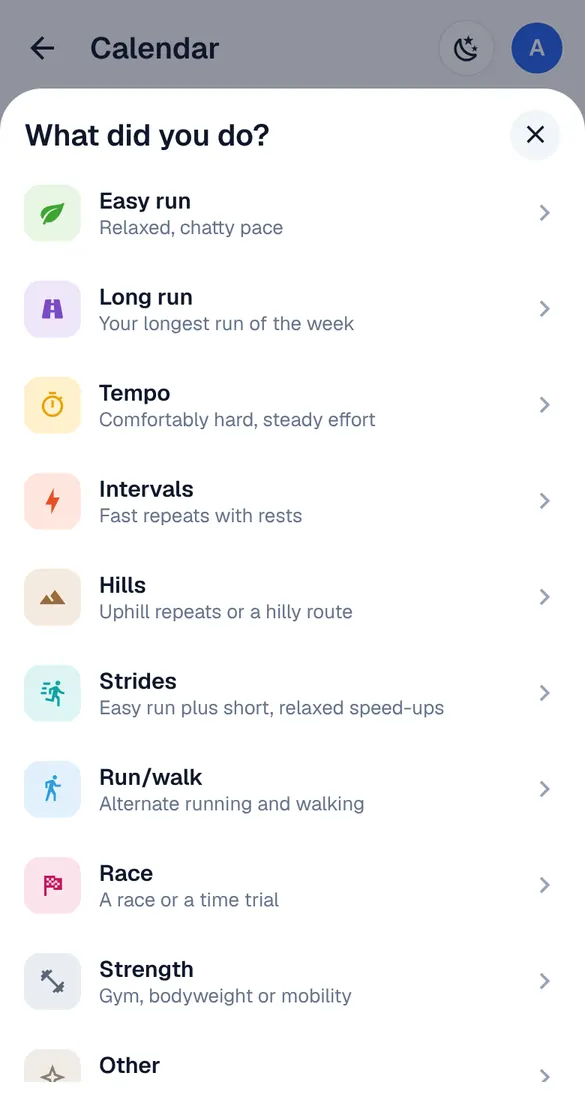
Calendar → Log a run, or the + next to a day. Choose what you did – easy run, long run, strength, other… – and enter the distance and time.
Count it as a plan session
Did the extra run really replace a plan workout? Open the workout and tap “Already did it?” → pick the activity. The workout is done with those numbers.