

Taking a break
Ill, injured or away? Pause your plan and come back to a fitting start.
4 steps · 2 min
Open Manage plan
Plan tab → Manage, or My account → Manage plan.
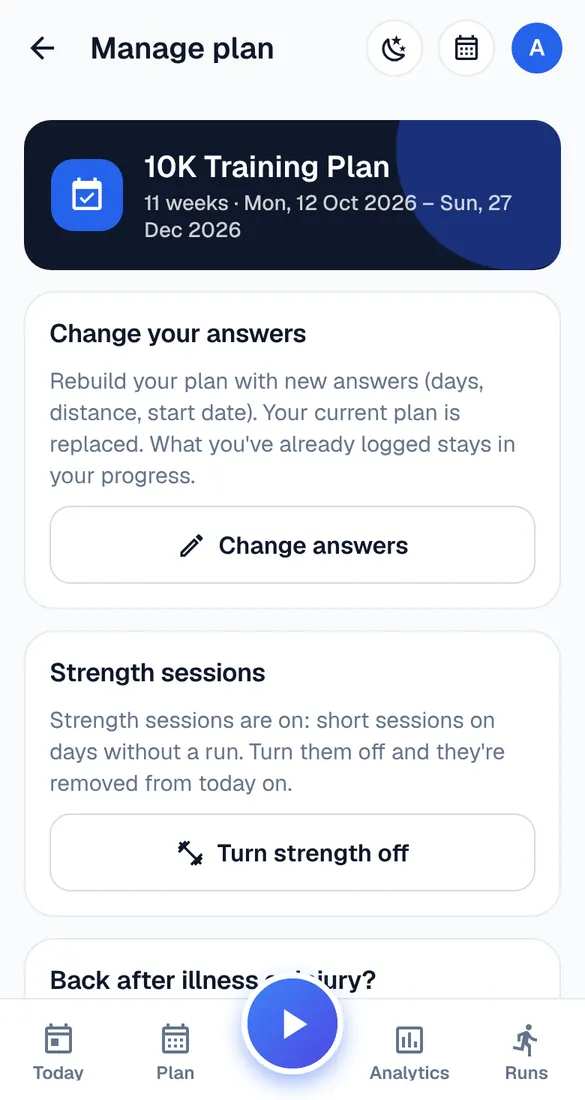
Back after illness or injury?
Tap “I was ill” or “I was injured” and answer the questions. Runbriel suggests an easier restart. Nothing changes until you tap “Apply the change”.
Postpone
Need to stop for a while? “Postpone (injury or illness)” takes a break of 1 to 4 weeks: workouts in the break are taken out and the rest of your plan moves back. You see when you start again before you confirm.
Your own plan
Postponing isn't available for a plan you built yourself – move the workouts instead.